
 English
 Bengali
TK688 Login Access Your Player Dashboard in Seconds
Signing into TK688 takes roughly 10 seconds — just your username (or email) and password. The same credentials work across our web platform, mobile browser, and the dedicated Android app.
Forgotten your password? The recovery process finishes in under 2 minutes using either email or SMS. If both channels are unavailable, our manual recovery path completes within 24–48 hours through our support team.
Suspect unauthorized access? Skip directly to the last section on this page — it's the immediate response playbook. Time is critical here: sophisticated attackers can drain funds within hours, so acting quickly through identity verification matters.
How to sign into TK688
What you need to sign in
- Username or registered email — either credential works interchangeably
- Your account password
- Access to your registered email or Bangladesh mobile number — required only when logging in from a new device
What happens next
- Type your username or email plus password into the fields
- Tap the
Loginbutton - If credentials are correct, you'll arrive at your personalised player dashboard where you can access casino tables, slots, and sports betting
Signing in from a new device
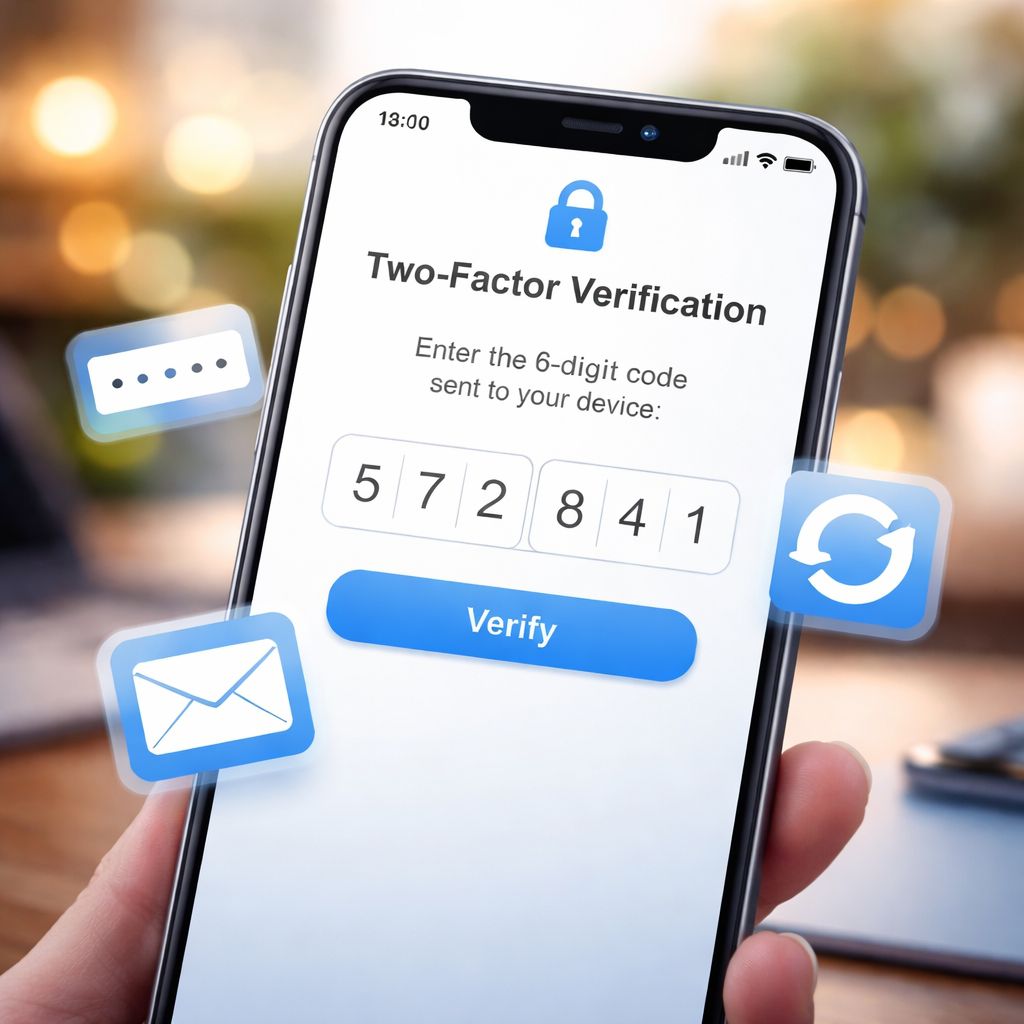
Our system automatically detects when you sign in from an unrecognised phone, tablet, or computer, and sends a verification code to your registered email or Bangladesh mobile number.
This isn't a hurdle to slow you down — it's essential security. Even if someone steals your password, they cannot log in from an unfamiliar device without also having access to your email inbox or SMS messages.
Verification codes remain valid for 5 minutes. Enter the 6-digit code on the prompt shown, and you're straight into your dashboard. Learn more about our security standards on the about page.
Three recovery options based on what you still have access to
Five sign-in issues we see almost every week
"Invalid username or password" error message
- Check caps lock is off. Passwords on TK688 are case-sensitive.
- Try your email address in place of your username — either should work.
- Use the password reset flow if you're not entirely sure of your password.
- For freshly created accounts: confirm you clicked the verification email link. Unverified accounts cannot sign in until confirmed. See our official channels list to confirm you registered on the real TK688 site.
"Your account has been temporarily locked"
After several failed password attempts in a row, our anti-brute-force protection temporarily locks the account to keep it safe from automated attacks.
Wait 15 minutes before trying again. If it's urgent, contact live chat — agents can unlock your account immediately after verifying your identity.
"Verification code hasn't arrived"
- Look in the spam, junk, or promotions folder
- Give it 2–3 minutes — some Bangladesh email providers introduce delivery delays
- Try a different registered email if you added more than one
- Confirm you have mobile signal and roaming isn't blocking messages
- Check your phone for any blocked-numbers list that might filter the SMS
- Request a new code or switch to the email delivery method
"We don't recognise this device"
Signing in for the first time from a new phone or computer triggers our device verification step. Simply complete the email or SMS confirmation prompted on-screen.
If you can't access either channel, follow Option 3 (manual recovery) described in Section 2 above.
New account can't log in after registration
Newly created accounts require email verification before the first sign-in works. Look for a confirmation email sent to your registered address — it contains an activation link.
Click the link, then head back to the sign-in page and try again. You can also explore the full range of games available once you're in.
The habits that block 95% of account takeovers
1. Choose a password that lives nowhere else
This is the single habit that matters most.
If your TK688 password matches the one you use on Gmail, Facebook, or another gaming site, a breach anywhere on the internet becomes a breach here too. Attackers download leaked password databases and test the combinations against hundreds of sites automatically.
This attack is called credential stuffing and it accounts for the majority of compromised accounts we see. Pick something long, personal, and used only on TK688 — even a memorable phrase with a few numbers works, as long as it exists nowhere else. Learn more on our verification page.
2. Keep your credentials to yourself
Never share your password — not with family members, not with friends helping you "top up," and absolutely not with anyone messaging you claiming to be staff.
Genuine TK688 support will never ask for your password. Anyone requesting it is running a phishing scam. Report them through official contact channels.
3. Sign out from any device that isn't yours
Logged in from your cousin's phone or a hotel business centre? Sign out before you walk away.
Passwords saved in browsers can be extracted in seconds by anyone with physical access to that device. This applies to the TK688 mobile app too — remove the account before returning a borrowed handset.
4. Recognise phishing before you click
Phishing domains copy the TK688 brand with subtle variations:
• tk-688.com (added hyphen — fake)
• tk688-bd.net (wrong TLD — fake)
• tk688-official.org (extra word — fake)
• tk688login.co (merged word, wrong TLD — fake)
The only legitimate address is {{domain}}. Bookmark it the first time you sign in and always use the bookmark rather than clicking search results — paid ads and sponsored links can be spoofed by phishing operators.
Check verified links on our official channels page.
5. Don't skip device verification prompts
The 30 seconds you spend typing a verification code is what catches an attacker before they empty your balance. Do not disable device checks and do not share codes with anyone — even someone claiming they "sent it by mistake."
Immediate actions if your TK688 account has been accessed by someone else
Step 1 — Reset your password (roughly 5 minutes)
If the attacker has already changed the recovery email or phone number attached to the account, skip straight to Step 3 — support is your only path forward.
Step 2 — Audit recent transaction history (about 5 minutes)
Write down exact timestamps, amounts, payment methods, and destination wallets for anything unfamiliar — support will ask for these details. Cross-check with your games history and betting log.
Step 3 — Reach TK688 support immediately (live chat is quickest)
• Your username or registered mobile
• A short description of the suspicious activity (specific rounds, transfers, or balance movements)
• When you last signed in yourself
• Whether your email or SMS access has been altered by the attacker
Support can lock the account within minutes, freezing any pending withdrawals before they leave the platform. This single action is the difference between recovering funds and losing them. Do it within the first hour whenever possible.
Step 4 — Secure the email address linked to your account
While you're inside the email account, review the recovery settings — attackers often add their own backup email or phone number so they can retake the account weeks later after everything appears to have returned to normal.
Step 5 — Submit supporting evidence for the investigation
• Device history — which phones or computers you legitimately signed in from recently (your email provider's login log is usually enough)
• Session pattern — the hours you typically play at TK688 versus the hours the intruder was active
• Payment destination changes — did the attacker register any new withdrawal wallets in your name?
Every unauthorised access report is checked against server-side transaction logs and device fingerprints. See our about page for more on our security process.
What recovery actually looks like
Money lost through verifiable unauthorised access is recoverable in a meaningful percentage of cases. The chain works like this:
- The attacker withdraws to a mobile wallet (bKash, Nagad, or Rocket)
- That receiving wallet is registered to a real national ID (a KYC requirement enforced by every Bangladeshi wallet operator)
- Our fraud team coordinates with the wallet provider to identify the holder and freeze the destination account
Speed is everything. Stolen balances can move from the first wallet through two or three subsequent wallets within a few hours — once the money is that far downstream, tracing it becomes exponentially harder.
This is precisely why Step 3 (contacting support without delay) matters far more than Steps 4 and 5. Freeze the account first, then complete the follow-up work. Review our FAQ section for related answers.
Frequently asked questions about account access
If the resend option doesn't reach you, contact support with your username and they will trigger a manual resend from the admin console.
If you suspect another session is running without your permission, change your password immediately. The password change instantly invalidates every other session, including the intruder's.
Optional time-based 2FA (through Google Authenticator or Authy) is currently being rolled out to selected accounts and will be announced site-wide once available to all players. Keep an eye on your inbox and our official announcements.
If closure follows a Terms of Service violation (multiple accounts, fraudulent activity, promo abuse): balance treatment depends on the nature of the breach. Anti-money-laundering regulations may require funds to be held while the investigation runs its course. Explore active offerings on casino and slots once your account is in good standing.

